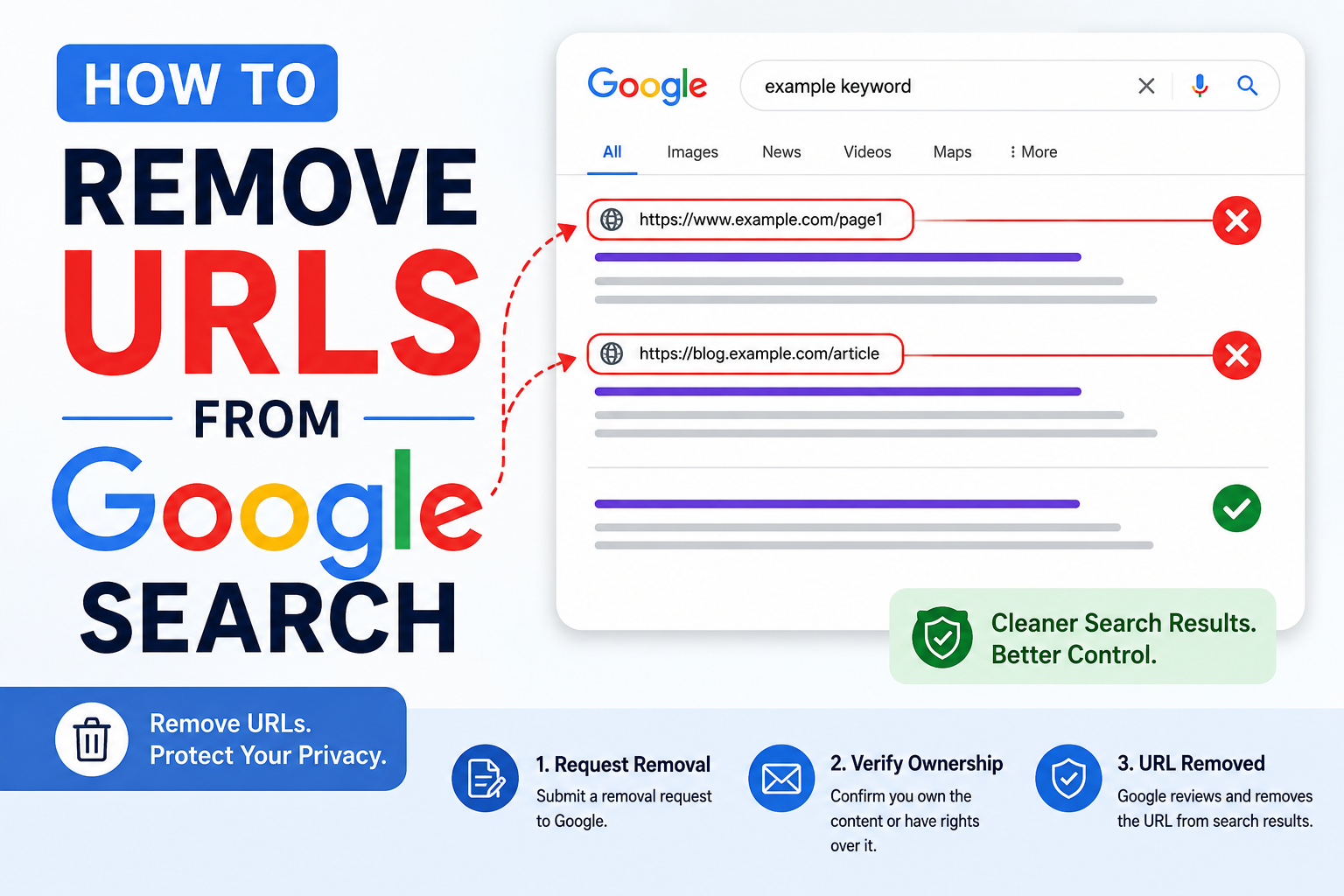
Google Search helps people find websites, images, news, videos, and other online content within seconds. But sometimes, you may not want a certain URL to appear in Google Search results. It may be an old page, private information, outdated content, duplicate content, or a page that you no longer want people to visit.
Many people think that removing a URL from Google means deleting it from the internet. But that is not exactly true. Google does not own the websites shown in search results. Google only lists pages that are available online. So, when you remove a URL from Google Search, you are only removing it from Google’s search results. The page may still exist on the original website unless it is deleted from there.
In this blog, we will explain how to remove URLs from Google Search in a simple and clear way.
What Does URL Removal Mean?
A URL is the web address of a page. For example, a blog post, product page, image page, or profile page has its own URL.
URL removal means asking Google not to show that page in search results. This can be done temporarily or permanently, depending on the method you use.
If you own the website, removing a URL is easier because you can control the page. If you do not own the website, you will need to contact the website owner or use Google’s removal request tools.
Why Remove URLs From Google Search?
There are many reasons why someone may want to remove a URL from Google Search.
You may want to remove a URL if:
- The page has private or personal information
- The content is outdated
- The page has been deleted
- The URL shows incorrect details
- The page contains sensitive business information
- The content is duplicate or low quality
- The page was published by mistake
- The page is no longer useful
- The website has old images or documents
- The search result shows old cached information
Removing unwanted URLs can help protect privacy, improve your online reputation, and keep your website clean.
If You Own the Website
If the URL belongs to your own website, you have more control. You can remove the page, block it from search engines, or request Google to remove it quickly.
1. Delete the Page
The simplest way is to delete the page from your website. Once the page is deleted, it should show a 404 error, which means the page is not found.
When Google visits the page again and sees that it no longer exists, it will slowly remove the URL from search results.
This method is useful when the page is no longer needed.
2. Use a 410 Status Code
A 410 status code means the page is permanently gone. This gives Google a stronger signal than a normal 404 error.
If you are sure that the page will never come back, using a 410 status code can help Google remove it faster.
3. Add a Noindex Tag
If you want to keep the page live on your website but do not want it to appear in Google Search, you can use a noindex tag.
A noindex tag tells Google, “Do not show this page in search results.”
This is useful for pages like thank-you pages, private landing pages, internal pages, or test pages.
4. Use Google Search Console
Google Search Console has a Removals tool. If you own and verify your website in Search Console, you can request Google to temporarily remove a URL from search results.
This is helpful when you want quick removal.
However, remember that this removal is temporary. To remove the URL permanently, you must also delete the page, add a noindex tag, or protect the page properly.
If You Do Not Own the Website
If the URL is on someone else’s website, you cannot directly remove it from the internet. In this case, you need to follow a different process.
1. Contact the Website Owner
First, visit the website and look for contact details. You may find an email address, contact form, or support page.
Send a polite message asking them to remove the page or update the information. Clearly explain why you want the URL removed.
For example, if the page has your personal details, old profile information, or wrong information, mention it clearly.
Once the website owner removes or updates the content, Google will eventually update its search results.
2. Use Google’s Outdated Content Tool
If the website owner has already removed the page, but Google still shows it in search results, you can use Google’s outdated content removal tool.
This tool tells Google that the page has changed or no longer exists.
Google will check the page. If the content is really removed or changed, Google may update or remove the search result.
Removing Personal Information From Google
Google allows users to request removal of certain types of personal information from search results.
You can request removal if the search result shows sensitive details such as:
- Phone number
- Home address
- Email address
- Bank account details
- Credit card details
- Government ID numbers
- Medical records
- Login details
- Personal documents
- Images shared without permission
Google will review the request and decide whether the content qualifies for removal.
This is useful for protecting your privacy and safety online.
Removing Images From Google Search
Sometimes, an image appears in Google Images even after it has been removed from a website.
If you own the website, delete the image from your server and remove the image URL. Then request Google to update its results.
If the image is on another website, ask the website owner to remove it. After that, you can use Google’s outdated content tool to request removal from Google Images.
Temporary vs Permanent URL Removal
It is important to understand the difference between temporary and permanent removal.
Temporary removal hides the URL from Google Search for a limited time. This is usually done through Google Search Console.
Permanent removal means the URL is fully removed from search results because the page is deleted, blocked with noindex, or no longer available.
If you only use the temporary removal tool but keep the page live, the URL may come back later.
What You Should Not Do
Do not depend only on robots.txt to remove a URL from Google. Robots.txt can stop Google from crawling a page, but it may not remove the URL from search results completely.
Also, do not expect instant results. Google needs time to process removal requests and update its index.
Avoid submitting the same request again and again. Wait for Google to review it.
How Long Does It Take?
The time can vary. Some URLs may be removed within a few days. Others may take longer.
If you use Google Search Console, temporary removal can happen faster. But permanent removal depends on whether the page is deleted, noindexed, or changed correctly.
Final Thoughts
Removing URLs from Google Search is possible, but the right method depends on your situation. If you own the website, you can delete the page, add a noindex tag, or use Google Search Console. If you do not own the website, contact the website owner first and then use Google’s removal tools if needed.
The most important thing to remember is this: Google can remove a URL from search results, but it cannot always remove the content from the original website. For permanent removal, the content must be removed or blocked at the source.
By following the correct steps, you can remove unwanted URLs, protect your privacy, and keep your online presence clean.
Leave a Reply