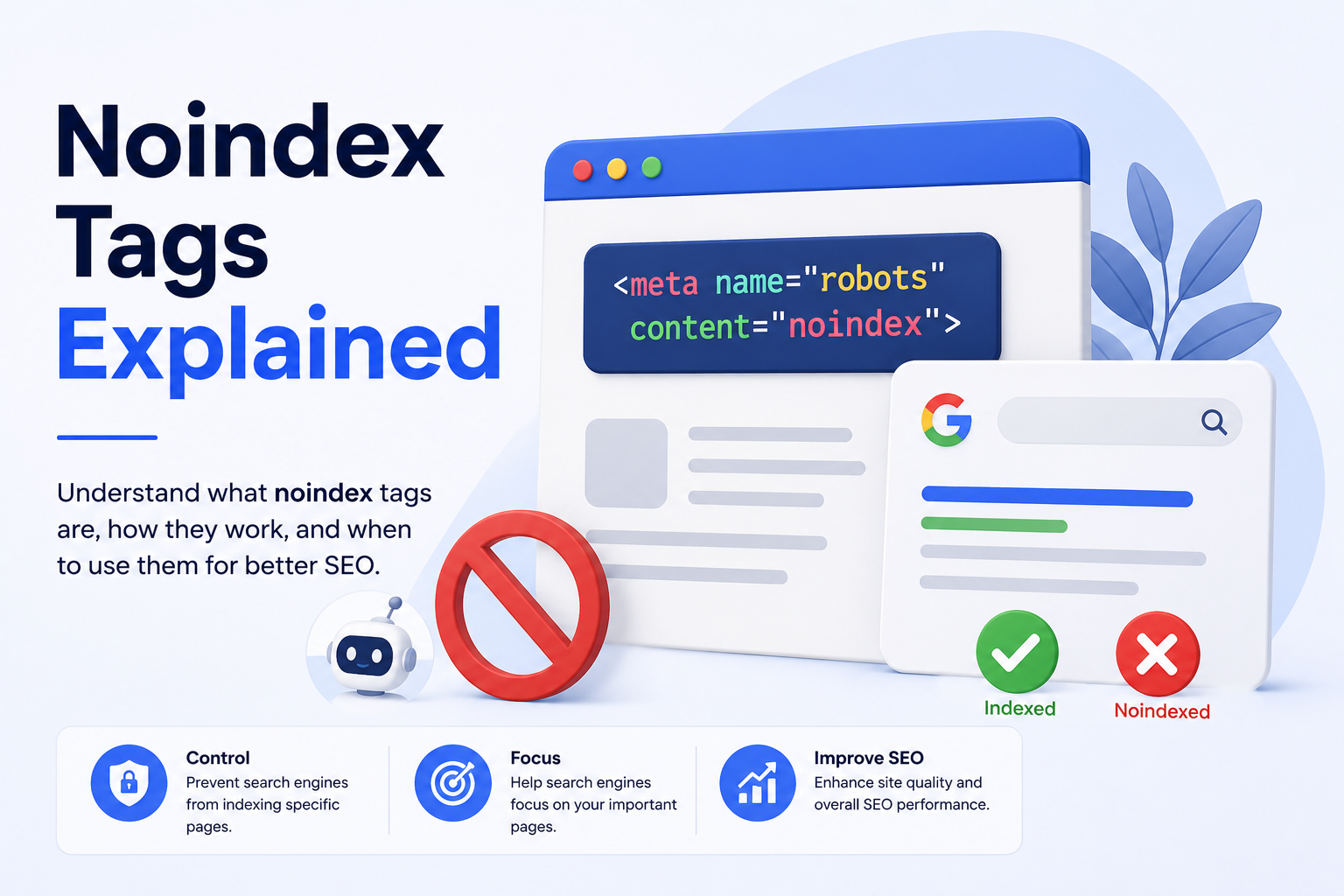
Noindex tags are an important part of SEO and website management. They help website owners control which pages should appear in search engine results and which pages should stay hidden. If you have pages that are not useful for public search, a noindex tag can tell search engines not to show those pages.
Many website owners think every page on a website should be indexed by Google. But that is not always true. Some pages are useful for users but not useful for search results. Examples include thank-you pages, login pages, duplicate pages, internal search pages, test pages, and private landing pages.
A noindex tag helps keep search results clean and focused on your best content.
What Is a Noindex Tag?
A noindex tag is a small piece of code added to a webpage. It tells search engines not to include that page in search results.
In simple words, it says:
“Search engines can visit this page, but please do not show it in search results.”
A common noindex tag looks like this:
<meta name="robots" content="noindex">This code is usually placed inside the <head> section of a webpage.
When Google or another search engine crawls the page and sees this tag, it understands that the page should not be indexed.
Why Are Noindex Tags Used?
Noindex tags are used when you want a page to exist on your website but not appear in search results.
For example, a thank-you page after form submission may be useful for users, but it does not need to rank on Google. A login page may be important for customers, but it does not provide value as a search result.
Using noindex tags helps improve the quality of pages that search engines show from your website.
Pages That May Need Noindex Tags
Not every page should be indexed. Some pages can create SEO problems if they appear in search results.
Common pages that may need noindex tags include:
- Thank-you pages
- Login pages
- Admin pages
- Internal search result pages
- Duplicate content pages
- Thin content pages
- Test pages
- Staging pages
- Filter pages
- Tag pages with low value
- Private landing pages
- Outdated campaign pages
By adding noindex to these pages, you can help search engines focus on your important pages.
How Noindex Tags Help SEO
Noindex tags can improve SEO by keeping low-value pages out of search results. This helps your website look cleaner and more useful to search engines.
If Google indexes too many weak or duplicate pages, it may affect how your website is understood. Noindex tags help reduce this issue.

They can also prevent users from landing on pages that are not meant for public search, such as test pages or form confirmation pages.
Noindex vs Robots.txt
Many people confuse noindex tags with robots.txt. They are not the same.
A noindex tag tells search engines not to show a page in search results.
Robots.txt tells search engines whether they can crawl a page or section of a website.
This difference is important. If you block a page with robots.txt, Google may not be able to crawl the page and see the noindex tag. So, if you want Google to remove a page using noindex, do not block that page in robots.txt.
At a Glance
| Feature | Noindex Tag | Robots.txt |
|---|---|---|
| Main purpose | Prevents indexing | Controls crawling |
| Search result removal | Yes, after crawling | Not always |
| Page can be visited by users | Yes | Yes |
| Best for | Keeping pages out of search | Managing crawler access |
| Needs crawling to work | Yes | No |
How To Add a Noindex Tag
To add a noindex tag, place the following code inside the <head> section of the page:
<meta name="robots" content="noindex">If you want search engines not to follow links on that page, you can use:
<meta name="robots" content="noindex, nofollow">However, use nofollow carefully. In many cases, noindex, follow or only noindex is better because it allows search engines to still discover links on the page.
Noindex For WordPress Websites
If you use WordPress, you may not need to edit code manually. SEO plugins like Yoast SEO, Rank Math, or All in One SEO allow you to set pages as noindex.
Usually, you can open the page, go to SEO settings, and choose an option like “Do not show this page in search results” or “Noindex.”
This makes the process easier for non-technical users.
How Long Does Noindex Take To Work?
Noindex does not work instantly. Search engines must crawl the page again before they can see the tag.
After Google crawls the page and finds the noindex tag, the page may be removed from search results. This can take a few days or sometimes longer.
If you want faster removal, you can use Google Search Console to request indexing or temporary removal.
Common Mistakes With Noindex Tags
One common mistake is adding noindex to important pages by accident. If you noindex your homepage, service pages, or blog posts, they may disappear from Google Search.
Another mistake is blocking the page in robots.txt while also adding noindex. If Google cannot crawl the page, it may not see the noindex tag.
Some website owners also forget to remove noindex from staging or development pages before launching a website.
Always check your important pages after making SEO changes.
When You Should Not Use Noindex
You should not use noindex on pages that you want to rank in search results. This includes your homepage, main service pages, product pages, important blogs, location pages, and category pages.
If a page brings traffic, leads, sales, or brand visibility, it should usually stay indexed.
Use noindex only when you are sure the page should not appear in search results.
How To Check If a Page Has Noindex
You can check a page by viewing the page source and searching for “noindex.”
You can also use SEO tools, browser extensions, or Google Search Console’s URL Inspection tool.
If Google Search Console says “Excluded by noindex tag,” it means Google found the tag and did not index the page.
FAQs
1. What does a noindex tag do?
A noindex tag tells search engines not to show a webpage in search results. The page can still exist on the website, but it will not appear in Google after search engines process the tag.
2. Does noindex remove a page from Google immediately?
No. Google must crawl the page again before it can see the noindex tag. Removal may take a few days or longer.
3. Can users still visit a noindex page?
Yes. A noindex tag only affects search engine indexing. Users can still visit the page if they have the direct URL.
4. Is noindex better than robots.txt?
They serve different purposes. Noindex is better for removing a page from search results. Robots.txt is used to control crawling.
5. Can noindex hurt SEO?
Yes, if used incorrectly. If you add noindex to important pages, they may disappear from search results and lose traffic.
Final Thoughts
Noindex tags are useful for controlling what appears in search engine results. They help website owners hide low-value, private, duplicate, or unnecessary pages from Google while keeping important pages visible.
The key is to use noindex carefully. Add it only to pages that do not need search visibility. Avoid using it on important pages that bring traffic or leads.
When used correctly, noindex tags can improve website quality, protect private pages, and support a cleaner SEO strategy.
Leave a Reply