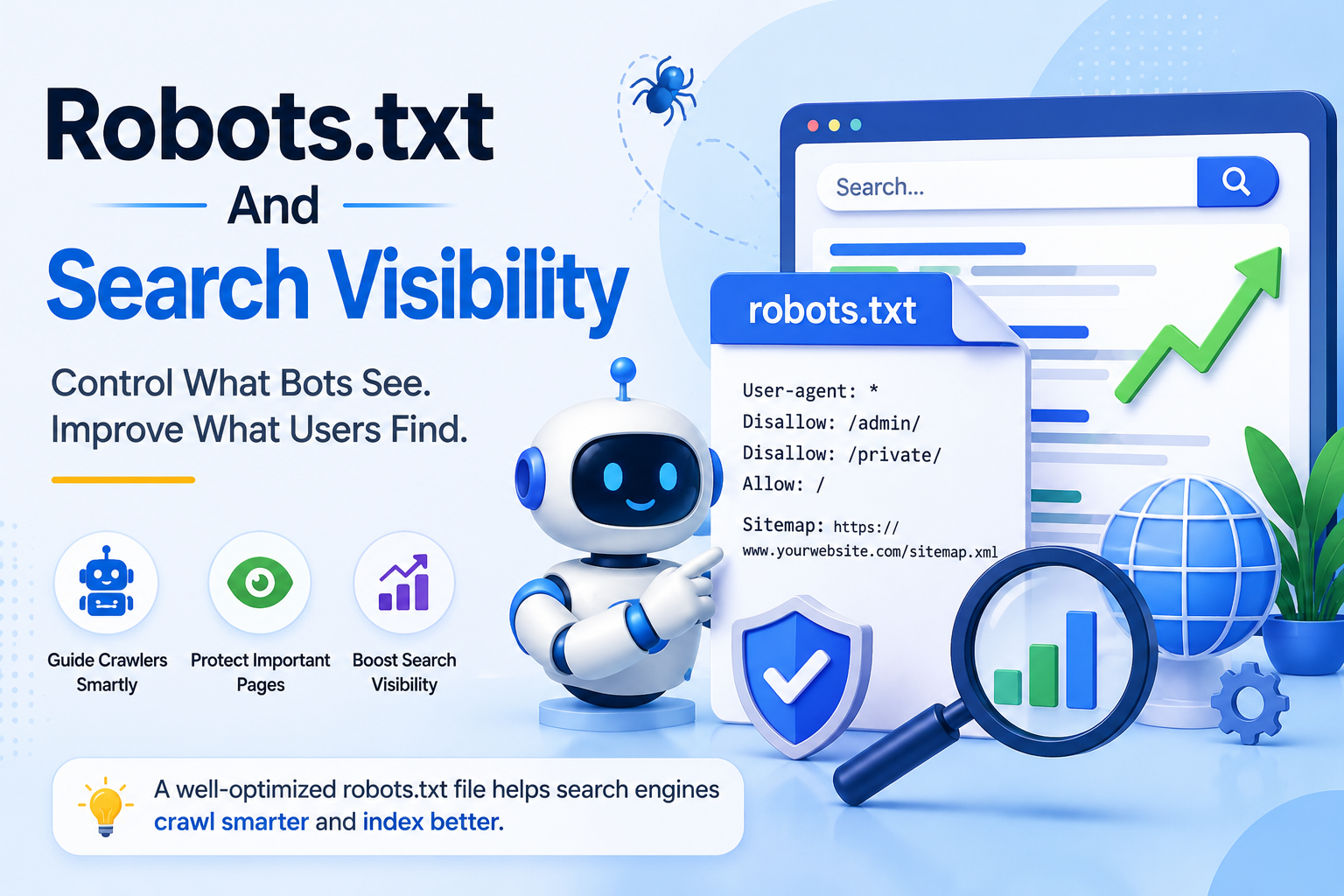
Search engines control what appears in results-and robots.txt controls how they explore your site. This small file can either support or hinder your SEO strategy, depending on how it’s configured. Understanding its directives, common applications, and potential pitfalls helps prevent indexing issues and protects search visibility. This guide examines how robots.txt works, when to use it, and how to validate its effect on crawler behavior.
What is robots.txt
The robots.txt file sits at the root directory (example.com/robots.txt) and contains directives that govern how Googlebot, Bingbot, and other crawlers access site resources.
The Robots Exclusion Protocol originated in 1994 as a voluntary standard among early web developers. This protocol established a simple method for controlling search engine crawler access to websites. The original specification defined basic rules that remain in use today.
Files use a plain-text format readable by any text editor. Commands appear as straightforward lines with user-agent specifications followed by allow or disallow directives. This structure allows webmasters to manage crawler behavior without complex programming requirements.
The file must reside at the exact root directory location for search engines to recognize the directives. Placement in subdirectories renders the file invisible to crawlers. This location requirement ensures consistent interpretation across different search engine bots.
Best practices recommend keeping files under 500KB to ensure complete processing. Googlebot processes up to 500KB of robots.txt content while ignoring any material beyond that threshold. Larger files may result in incomplete directive recognition by search engines.
Why robots.txt Matters for SEO
Robots.txt directly affects crawl budget allocation. Large sites with 50,000+ URLs can waste 15-30% of crawl capacity on admin paths without proper directives. Crawl budget represents the number of pages search engines will process during each visit.
Blocking 200 duplicate product URLs preserved 18% crawl budget. This saved capacity was redirected to 1,200 new product pages. Proper disallow directives prevent search engines from processing redundant content.
A 2023 study from Ahrefs showed 34% of top 100,000 sites block critical resources by mistake. These errors reduce search visibility and slow down site indexing. Blocked resources include important CSS files, JavaScript, and images that affect how pages render.
The calculation is straightforward. Crawl budget multiplied by the percentage of blocked URLs equals wasted indexing opportunities. Site indexing suffers when valuable pages never receive attention from search engine crawlers.
Basic Syntax and Directives
The file uses four core directives, User-agent, Disallow, Allow, and Sitemap, each following a specific syntax pattern. Robots.txt files require precise formatting to ensure proper interpretation by every search engine crawler.
Each block begins with a User-agent declaration that identifies the target bot. Following lines contain the actual directives that control access to specific paths and resources.
The syntax order requires User-agent first, then directives, then a blank line before the next user-agent block. This structure allows different rules for various crawlers without conflicts.
A proper sitemap declaration includes the full URL in this format: Sitemap: https://example.com/sitemap.xml. This tells crawlers where to find your complete list of URLs for efficient indexing.
User-agent and Disallow
The User-agent line identifies which crawler receives the following rules, with Googlebot requiring separate handling from Bingbot for optimal control. Crawler access depends entirely on matching the user-agent string correctly.
Specific targeting works through precise user-agent values. User-agent: Googlebot followed by Disallow: /wp-admin/ blocks only Google, while an asterisk applies to all crawlers at once.
Separate handling of different bots provides flexibility during algorithm changes. One documented case showed that blocking Googlebot alone retained Bing traffic when search engine updates affected visibility across platforms.
The Disallow directive prevents crawlers from accessing specified paths. This helps manage crawl budget by steering bots away from duplicate content or private sections.
Allow and Wildcards
The Allow directive creates exceptions to Disallow rules, while wildcards enable pattern matching across URL structures. Indexing control becomes more precise when these tools work together effectively.
Pattern matching uses the asterisk to represent any sequence of characters. Allow: /category/*/reviews$ permits review URLs while blocking other category content from appearing in search results.
Parameter blocking prevents duplicate content issues. Disallow: /*?sort= blocks all sort parameters that might create multiple versions of the same page.
Google documentation confirms that wildcards work for Googlebot since 2014. This capability allows site owners to create sophisticated rules for managing search engine access across complex site structures.
Common Use Cases
Three primary scenarios drive most robots.txt implementations, protecting admin areas, preventing duplicate content indexing, and controlling crawl frequency on resource-heavy pages.
Each scenario addresses a distinct problem with specific directives that improve search visibility and protect site resources. Site owners apply these patterns to manage how search engine crawlers interact with their content.
These implementations help optimize crawl budget while preventing unwanted pages from appearing in search results. Proper configuration supports better site indexing and protects internal structures from unnecessary exposure.
Web administrators often combine multiple disallow directives to create comprehensive protection strategies. This approach ensures that search engine bots focus on valuable content rather than administrative or redundant sections.
Blocking Admin Areas
Admin directories like /wp-admin/, /administrator/, and /login/ should be blocked to prevent 404 errors and protect internal URLs from appearing in search results.
WordPress sites typically use Disallow: /wp-admin/ while Joomla installations apply Disallow: /administrator/. Custom CMS setups often block Disallow: /cgi-bin/ to secure backend directories from external access.
HTTPS versus HTTP considerations matter because mixed protocol configurations can create duplicate crawl paths. Blocking /wp-login.php reduces repeated access attempts from bots targeting WordPress vulnerabilities.
Administrators should verify that legitimate tools retain necessary access while maintaining security boundaries. This balance supports both protection and functional website accessibility for authorized users.
Preventing Duplicate Content
Parameter-heavy URLs like ?color=red&size=large and printer-friendly versions create duplicate content that dilutes ranking signals across URL variations per canonical page.
Site owners apply Disallow: /? patterns to block parameter-based URLs and use Disallow: /print/ for printer versions. These disallow directives prevent crawlers from accessing redundant content before indexing occurs.
Canonical tags alone do not stop the crawling process. Robots.txt directives provide earlier control by restricting search engine crawler access to duplicate paths entirely.
Research suggests that blocking duplicate parameter URLs improves content focus and ranking performance. This strategy helps maintain clear search rankings by ensuring search engines prioritize original content over variations.
Impact on Search Visibility
Incorrect robots.txt directives can remove pages from Google’s index within 3-7 days, causing immediate traffic drops for affected URLs. This happens when crawl directives block access to important sections of a website. Search engines rely on proper access to understand and rank content correctly.
Blocking entire site with Disallow: / prevents all crawlers from accessing any page. This action drops all organic traffic since no pages remain visible in search results. The robots exclusion protocol treats this as a complete restriction on site indexing.
Another common issue occurs when CSS and JavaScript files receive block directives. These resources help search engines render pages properly. Without them, Google may label content as indexed but not submitted in search console reports.
The Google Search Console Coverage report shows pages blocked by robots.txt with a specific URL count. Webmasters can review this data to identify problematic directives quickly.
Testing and Validation
Google Search Console’s robots.txt tester validates syntax and shows which URLs are blocked before deployment, preventing accidental de-indexing of critical pages. This step ensures your crawl directives function as intended across the entire site structure. Regular testing helps maintain consistent search visibility without unexpected blocks.
Multiple validation approaches exist for confirming your robots.txt file works correctly. Each method provides different levels of detail about how search engine crawlers interpret your rules. Using several tools together gives more complete verification of your configuration.
Google Search Console URL Inspection tool allows you to enter a specific URL and check the Crawled as status. This reveals whether Googlebot can access the page or encounters blocks from your directives. The report also shows which rules apply to that particular address.
TechnicalSEO.com robots.txt tester lets you paste your entire file and test multiple URLs at once. This approach helps verify patterns across many pages simultaneously. You can quickly identify which sections of your site might face access restrictions.
The curl command provides another direct method for validation. Running curl -A Googlebot https://example.com/robots.txt shows exactly what Googlebot receives when requesting your file. This confirms the server delivers the correct content to search engine crawlers.
Bing Webmaster Tools offers similar testing capabilities for the Bingbot crawler. Checking both platforms ensures your robots exclusion protocol works across major search engines. Each tool may interpret certain rules differently, so verification on both systems matters.
After deployment, monitor the Valid with warnings status in Search Console for 48 hours. This period allows time for crawlers to process your updated file. Watch for any new crawl errors that might indicate issues with your directives.
Search Console reports can reveal problems with URL patterns or disallowed paths that affect indexing. Address any warnings promptly to maintain healthy crawlability. Consistent monitoring supports better site indexing over time.
Common Mistakes to Avoid
Four mistakes account for 90% of robots.txt problems: blocking entire sites, using spaces instead of tabs, blocking CSS/JS files, and forgetting to update after site migrations.
Blocking entire sites creates immediate indexing problems. The wrong directive uses Disallow: / with a trailing slash while the correct version is Disallow: with nothing after the colon. This mistake blocks all crawling and prevents any pages from appearing in search results.
Search Console shows 0 indexed pages when this error occurs. Detection happens through webmaster tools that report complete crawl exclusion. The BBC accidentally blocked Googlebot in 2019 and lost significant traffic for six hours before the fix was applied.
Using spaces instead of tabs breaks directive syntax. Crawlers cannot parse the file correctly when spacing is inconsistent. This leads to ignored rules and unpredictable bot behavior across different search engines.
Blocking CSS and JavaScript files affects how pages render for crawlers. Search engines need these resources to understand page layout and content structure. When blocked, indexing quality drops even if HTML content remains accessible.
Forgetting to update robots.txt after site migrations creates broken directives. Old URL patterns may no longer exist while new sections stay unprotected. Regular reviews ensure crawl directives match current site architecture and prevent accidental blocks on important pages.
robots.txt vs Other Controls
Robots.txt operates at the crawl stage before meta robots tags or canonical directives take effect during indexing, creating a three-layer control system. This early intervention determines whether search engine crawlers even reach individual pages. The sequence matters because blocked resources never enter the indexing pipeline.
Each control method serves different purposes within site indexing workflows. Robots.txt works at the server level while other directives activate later in the process. Understanding these differences prevents common configuration mistakes that hurt search visibility.
Control Method Primary Function Implementation Level Crawler Scope
robots.txt Prevents crawling Server-level All crawlers
Meta robots noindex Allows crawling but blocks indexing Page-level Google only
X-Robots-Tag HTTP header control Server-level All crawlers
Robots.txt prevents web crawlers from accessing specified paths before they request content. Meta robots tags permit crawling while blocking search engine indexing at the page level. X-Robots-Tag applies similar rules through HTTP headers across entire server responses.
The decision framework depends on your specific goals. Use robots.txt for admin areas and crawl budget management across large sites. Apply noindex directives to login pages and thank-you pages that should remain hidden from search results. Implement canonical tags for duplicate product variants to consolidate ranking signals.
Note that noindex directives placed inside robots.txt files receive no support from major engines. Google ignores any noindex directive found within robots.txt files. This limitation requires using proper meta tags or HTTP headers for indexation control at individual pages.
Leave a Reply