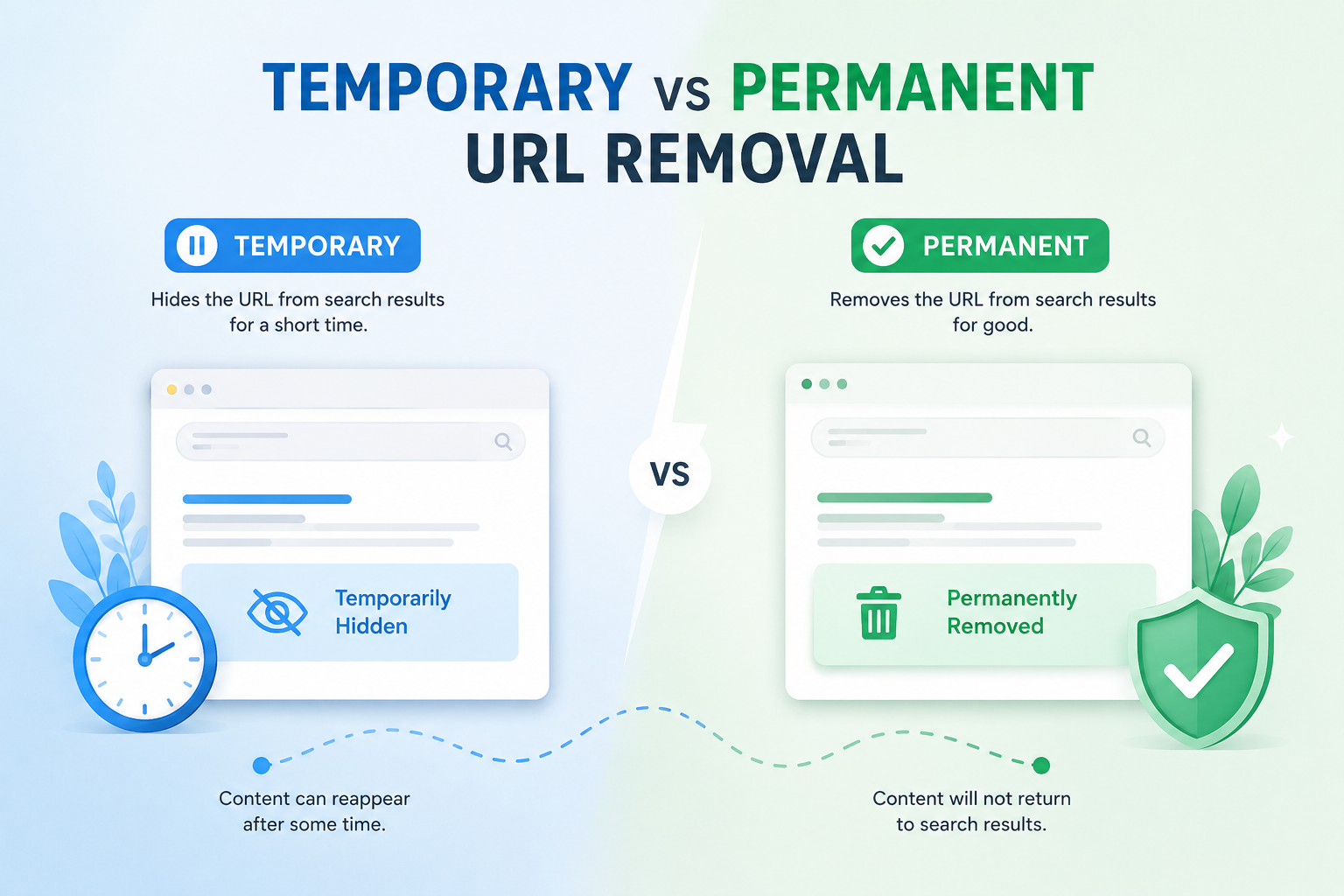
Managing website URLs requires strategic decisions that directly impact search visibility and user experience. Google Search Console and similar webmaster tools offer both temporary and permanent removal options, each serving distinct operational needs. Understanding the trade-offs between these approaches-from their duration and reversibility to their effects on SEO performance-helps organizations make informed choices. The following analysis examines when each method proves most effective and outlines implementation best practices for maintaining site integrity.
Introduction to URL Removal
URL removal is the process of requesting search engines like Google and Bing to stop showing specific web addresses in their search results using tools such as Google Search Console’s removal request feature. Site owners use this approach when pages contain outdated information or need to be hidden from public view. The process helps control what appears in search results.
Google Search Console provides several methods to achieve URL removal from search indexes. The removal tool allows direct requests for specific addresses. This tool works alongside other techniques like robots.txt files and HTTP status codes.
The removal request system has strict limits that apply to each property. Users can submit requests for up to 500 URLs per property. These requests typically process within a short timeframe after submission.
Temporary URL removal lasts for a maximum of 90 days before the page may reappear in results. The effect takes place almost immediately once the request processes. This approach works well for short-term content suppression needs.
Site owners can verify removal status through the URL Inspection tool in Search Console. The workflow starts by entering the specific address into the inspection field. Users then review the current indexing status and any removal confirmations.
The inspection process shows whether the address has been successfully removed from search results. Site owners can check the removal request status directly in the tool interface. This verification step confirms that the request has taken effect properly.
Temporary URL Removal Overview
Temporary URL removal blocks search engine indexing for up to 90 days using Search Console’s removal tool. This approach allows site owners to suppress specific pages from appearing in search results without making permanent changes to their site structure.
The process targets individual URLs or entire directories through the Search Console URL removal feature. Site owners can monitor the progress of each request and receive confirmation once suppression takes effect in search results.
This method serves as an interim solution when content needs immediate removal from visibility. The temporary nature means pages return to search results automatically once the suppression period ends unless additional action occurs.
Understanding the distinction between temporary and permanent approaches helps content managers select the appropriate strategy for their specific situation. The choice depends on whether content requires brief suppression or complete removal from the Google index.
Definition and Purpose
Temporary URL removal requests Google to remove URLs from search results for a maximum of 90 days through the Search Console removal tool. This process differs fundamentally from permanent URL removal because the suppression has a defined expiry period built into the system.
Pages remain in the Google index during temporary removal but stay suppressed from SERP visibility. The content stays accessible through direct links and can still receive crawl attempts from Googlebot during the suppression window.
Search Console provides removal request status tracking for each submitted URL. Site owners can check whether requests are pending, approved, or expired through the removal tool interface at any time during the process.
The 90-day limit distinguishes temporary removal from permanent deindexing methods that require ongoing management. Once the period concludes, URLs return to normal indexing unless site owners submit new requests or implement other blocking measures.
Common Use Cases
Businesses use temporary removal during site migrations, product price updates, or when fixing incorrect pricing pages on e-commerce sites. This approach provides a safety net while technical teams address issues that affect search visibility.
Price correction on product pages requires temporary suppression while teams update incorrect listings across multiple product categories. The 90-day window typically accommodates the time needed to verify changes and restore proper pricing information.
Legal review of blog posts often requires temporary removal before content returns to publication. Teams can suppress specific articles during compliance checks without affecting the broader site structure or other indexed pages.
Seasonal content removal works well for time-limited promotions that end after set periods. Testing new URL structures also benefits from temporary suppression before implementing permanent 301 redirects across affected sections.
Implementation Methods
Use Google Search Console’s ‘Remove cached URL’ feature or add ‘noindex’ meta tags for temporary suppression. Each method offers distinct advantages depending on technical resources and timeline requirements.
Method one involves submitting a Search Console removal request that takes immediate effect with a 90-day limit. This approach requires no code changes and works through the URL inspection tool interface without server modifications.
Method two uses robots.txt disallow rules that require re-crawl before taking effect. This method creates a delay of one to seven days and affects crawl budget allocation across the entire site directory.
Method three implements X-Robots-Tag headers with noindex directives at the server level. This approach provides control across all crawlers and works independently of individual page meta tags or file-based directives.
Permanent URL Removal Overview
Permanent URL removal eliminates pages from search indexes indefinitely using status codes and directives. This approach differs from temporary deindexing methods that allow pages to return later. Site owners choose permanent removal when content no longer serves any purpose.
Google index management requires clear signals to search engines about which pages should stay gone. Without proper implementation, pages may reappear in search results unexpectedly. The process involves URL deindexing strategies that prevent crawler access over time.
Search engine directives play a critical role in maintaining permanent removal status. These signals work across multiple platforms including Google index and Bing index systems. Proper execution ensures consistent results across different search engines.
Site administrators must understand the distinction between various removal options before selecting this method. Permanent deindex creates lasting changes to site visibility. Reversing these decisions later requires additional manual intervention through search console tools.
Definition and Purpose
Permanent URL removal uses HTTP 410 status codes or robots.txt disallow directives to signal search engines never to index specific URLs. This approach creates a clear distinction from temporary methods that leave room for future reinstatement. Search engines interpret these signals as final decisions about content availability.
The 410 Gone status differs from HTTP 404 responses in how search engines process them. A 404 error suggests temporary unavailability while a 410 status confirms permanent deletion. This difference affects how quickly crawlers remove pages from their indexes.
Robots.txt files provide another method for permanent blocking through specific disallow directives. Site owners add lines like Disallow: /old-category/ to prevent crawler access to entire sections. These entries block Googlebot and other search engine robots from indexing designated paths.
No automatic reinstatement occurs once permanent removal takes effect. Site owners must manually cancel removal requests through Search Console if they want pages to return. This requirement prevents accidental reappearance of content that should remain suppressed.
Common Use Cases
Companies permanently remove URLs for deprecated product lines, privacy compliance under GDPR erasure requests, or DMCA takedown compliance. Each scenario requires different approaches to content removal depending on business needs and legal requirements.
E-commerce platforms often retire discontinued product pages to maintain accurate inventory displays. Healthcare organizations handle privacy compliance by removing patient-related content upon request. News publishers respond to court orders by withdrawing specific articles from public access.
Implementation timelines vary based on the chosen removal method. Server-side 410 status codes typically process within one to two days. Robots.txt changes require additional time for crawlers to discover and apply the new directives.
Legal removal request situations demand careful documentation and proper execution. GDPR erasure obligations require organizations to respond within specified timeframes. DMCA takedown notices create similar urgency for content removal across affected platforms.
Implementation Methods
Implement permanent removal using server configuration for 410 status codes, robots.txt entries, or 301 redirects to replacement content. Each method offers different advantages depending on technical infrastructure and site requirements.
Apache server configurations handle 410 responses through.htaccess files. Administrators add rewrite rules that return the Gone status for specific page patterns. This method works well for sites with existing server access and configuration permissions.
WordPress sites can implement 410 responses through functions.php file modifications. Developers add header functions that trigger the appropriate HTTP status when specific pages load. This approach requires theme file access and basic coding knowledge.
Robots.txt files provide simpler implementation for blocking entire directories or URL patterns. Site owners specify disallowed paths that crawlers must respect during their visits. This method works across different platforms without requiring server configuration changes.
Redirect options offer alternatives when content has moved to new locations. A 301 redirect preserves some link value while directing visitors to updated information. This approach maintains user experience while achieving permanent removal goals for original URLs.
Key Differences
Temporary and permanent removal differ in duration limits, reversal processes, and SEO consequences. Site owners must evaluate their goals before selecting which method suits their situation best.
Temporary URL removal serves situations where pages need brief suppression from search results. This approach works well for content updates, seasonal pages, or privacy concerns that may change over time.
Permanent URL removal addresses cases where pages should disappear from search results indefinitely. This method applies to deleted content, legal requirements, or content that no longer serves any purpose.
Understanding these distinctions helps webmasters choose the appropriate removal strategy. The decision affects how quickly pages can return to search visibility and what technical steps become necessary later.
Duration and Reversibility
Temporary removal expires after 90 days automatically while permanent removal requires manual reversal through removal request cancellation or directive removal. Site owners need clear plans for each approach before starting the process.
Temporary deindexing through the Search Console removal tool lasts up to 90 days. Pages reappear in search results unless the webmaster submits another request before expiration occurs.
Permanent deindexing stays active until reversed through specific actions. Site owners must cancel the removal request or remove the blocking directive for pages to return to the Google index.
A common mistake occurs when webmasters use permanent options thinking the change can be undone easily. One site owner applied robots.txt restrictions intending temporary suppression and later struggled to restore indexed pages quickly.
Reversing temporary removal requires submitting a cancellation form through Search Console. Restoring permanent removal demands deleting robots.txt rules and requesting a fresh crawl of affected URLs.
Impact on SEO
Permanent removal eliminates ranking signals and link equity while temporary removal preserves these SEO assets during the suppression period. The choice between methods affects long term search performance significantly.
Permanent deindexing removes pages from the Google index completely. Site owners lose all accumulated ranking data and must rebuild authority after pages return to search results.
Temporary URL suppression maintains index data even though pages disappear from SERPs. This preservation allows faster recovery when the removal period ends.
Pages under temporary removal retain their position data in the index. Search engines show no results for those URLs during the suppression window but recognize the pages again once removal expires.
URL reinstatement after permanent removal takes longer because search engines must reprocess the pages from scratch. Temporary removal allows quicker return to previous visibility levels once the suppression period concludes.
Technical Requirements
Temporary removal requires only Search Console access while permanent removal demands server configuration or robots.txt file modifications. Each method needs different levels of technical access and permissions.
Temporary deindexing needs verified property ownership in Google Search Console. Webmasters also require access to the URL inspection tool to submit removal requests successfully.
Permanent URL removal requires server admin access for editing configuration files. Site owners need FTP or SFTP credentials along with write permissions for the robots.txt file.
Verification methods differ between the two approaches. Search Console uses DNS record uploads to confirm ownership. Server access typically requires SSH key authentication for secure file modifications.
Webmasters should confirm they have appropriate access levels before beginning either removal process. Insufficient permissions can delay implementation and create complications during reversal attempts.
When to Choose Temporary Removal
Choose temporary removal for time-sensitive content corrections that do not require permanent elimination. This approach allows site owners to address issues without losing long-term search visibility or restructuring their entire site architecture.
Site owners often select this method when content needs adjustment but will return to active status later. The Search Console removal tool provides quick results for situations where pages need brief suppression from search results.
Many professionals use temporary options when testing new page structures or handling seasonal campaigns. This flexibility prevents unnecessary permanent deindex requests that could harm overall site performance and require additional recovery efforts later.
Teams should evaluate their content lifecycle before making removal decisions. Content that serves ongoing business goals benefits from reversible approaches rather than complete elimination from the Google index.
Scenarios and Examples
Use temporary removal for 3 specific scenarios including fixing factual errors in published articles, testing new URL structures before migration, and pausing seasonal campaign pages for limited periods.
Content teams apply this method when correcting information across multiple published pieces. The process allows quick fixes without triggering permanent changes to site indexing status or search engine directives.
E-commerce operations benefit from temporary suppression when comparing different URL patterns. This testing phase helps teams evaluate performance changes before committing to full site migrations or permanent URL updates.
Retail sites use temporary removal during promotional periods to manage search visibility. Seasonal pages receive suppression during specific date ranges then return automatically once the campaign period concludes.
The Search Console removal tool achieves SERP suppression within hours of request submission across various site types. This speed makes temporary removal effective for urgent corrections and time-limited content management needs.
When to Choose Permanent Removal
Select permanent removal when content must never reappear in search results due to legal, privacy, or business strategy requirements. This approach differs from temporary methods that allow later reinstatement.
Permanent URL removal applies when organizations face ongoing compliance obligations or strategic decisions about content lifecycle. Legal departments typically initiate these requests when content creates liability exposure or violates regulatory frameworks.
Business strategy considerations also drive permanent deindexing decisions. Companies may retire product lines or discontinue services where continued visibility creates customer confusion or brand inconsistency.
Privacy concerns represent another major factor in choosing permanent options. Organizations handling sensitive information often require complete removal rather than temporary suppression to meet data protection standards.
Scenarios and Examples
Apply permanent removal for 4 scenarios: GDPR right to be forgotten requests, DMCA copyright violations, company policy violations involving 12 employee records, and discontinued product line retirement with 450+ URLs. Each case requires specific technical implementation to ensure lasting results.
GDPR compliance demands swift action on erasure requests. A hospital addressed patient review URLs using 410 status codes within 72 hours, meeting the 30 days regulatory timeline for complete removal from Google index and Bing index systems.
DMCA takedown orders require immediate response to copyright violations. A streaming site processed 234 pirated content URLs following legal notification, implementing permanent deindexing to prevent future crawler access and reappearance risk.
Employee records containing personal data need careful handling. A SaaS company blocked 12 URLs with PII through robots.txt disallow directives, ensuring these pages stayed out of search results while maintaining compliance with internal data policies.
Product retirement involves managing large scale URL changes. A Shopify store retired 450 product URLs using 301 redirects to category pages, preserving link equity while removing individual product pages from active search visibility.
Best Practices and Recommendations
Implement systematic monitoring and documentation protocols for all URL removal activities. This approach ensures consistent handling of both temporary URL removal and permanent URL removal requests across your site infrastructure.
Best practices focus on selecting the right method for each situation. Temporary deindex works best for seasonal content or brief updates, while permanent deindex suits outdated pages that should never return to search results.
Teams benefit from establishing clear approval workflows before submitting any deindexing request. This prevents accidental removal of pages that still contribute to site visibility or ranking signals.
Regular audits of previously removed URLs help identify patterns that inform future decisions. Documenting which removal methods produce the most reliable outcomes supports better planning over time.
Monitoring and Maintenance
Monitor removal effectiveness using Search Console’s Index Coverage report and URL Inspection tool weekly. This ongoing review confirms whether temporary URL removal or permanent URL removal requests achieved their intended results.
Check removal request status daily for the first seven days, then switch to weekly checks. Use the Index Coverage report to verify Excluded by noindex tag or Blocked by robots.txt status after each inspection cycle.
Set up email alerts for URL reappearance via Google Alerts with the site operator. This catches instances where removed pages return to the Google index unexpectedly and require immediate attention.
Access the URL Inspection tool through Search Console. Enter the target URL, review the Indexing status, and note any Page removal confirmation timestamp that appears in the report details.
Documentation Requirements
Maintain a removal log documenting URL, removal type, request date, method used, and expected expiry for all URLs processed monthly. This record becomes essential when managing both temporary deindex and permanent deindex operations at scale.
Create a spreadsheet with columns covering URL, Removal Type, Request Date, Method, Expiry Date, Status, Notes, and Reinstatement Date. Schedule weekly review meetings with stakeholders to assess ongoing removal performance.
Track Googlebot crawl frequency changes after each removal. Crawl rates typically shift from daily visits to weekly visits within two weeks when pages receive proper crawler directives through robots.txt or meta tags.
Include entries for URLs that receive HTTP 410 status codes. Record the implementation date alongside the removal type to distinguish between temporary URL removal and permanent URL removal outcomes in future audits.
Frequently Asked Questions
When should I choose temporary URL removal over permanent?
Temporary removal is ideal for short-term issues like updating content, whereas permanent is for deleted pages. Understanding Temporary vs Permanent URL Removal helps in making the right choice.
How long does temporary URL removal last compared to permanent?
Temporary removals typically expire after a set period, like 90 days, while permanent ones stay removed unless you request otherwise.
Can I switch from temporary to permanent URL removal later?
Yes, if you determine the URL should not return, you can request a permanent removal after an initial temporary one.
What are the risks of using permanent URL removal incorrectly?
Incorrect permanent removal can lead to loss of valuable traffic if the URL was meant to be temporary, highlighting the importance of Temporary vs Permanent URL Removal decisions.
Does temporary URL removal affect SEO rankings differently than permanent?
Temporary removal pauses indexing without deleting the page’s history, unlike permanent which removes it from the index completely.
How do search engines handle requests for Temporary vs Permanent URL Removal?
Search engines like Google process temporary requests quickly for urgent issues and permanent ones for complete de-indexing of obsolete URLs.
Leave a Reply